
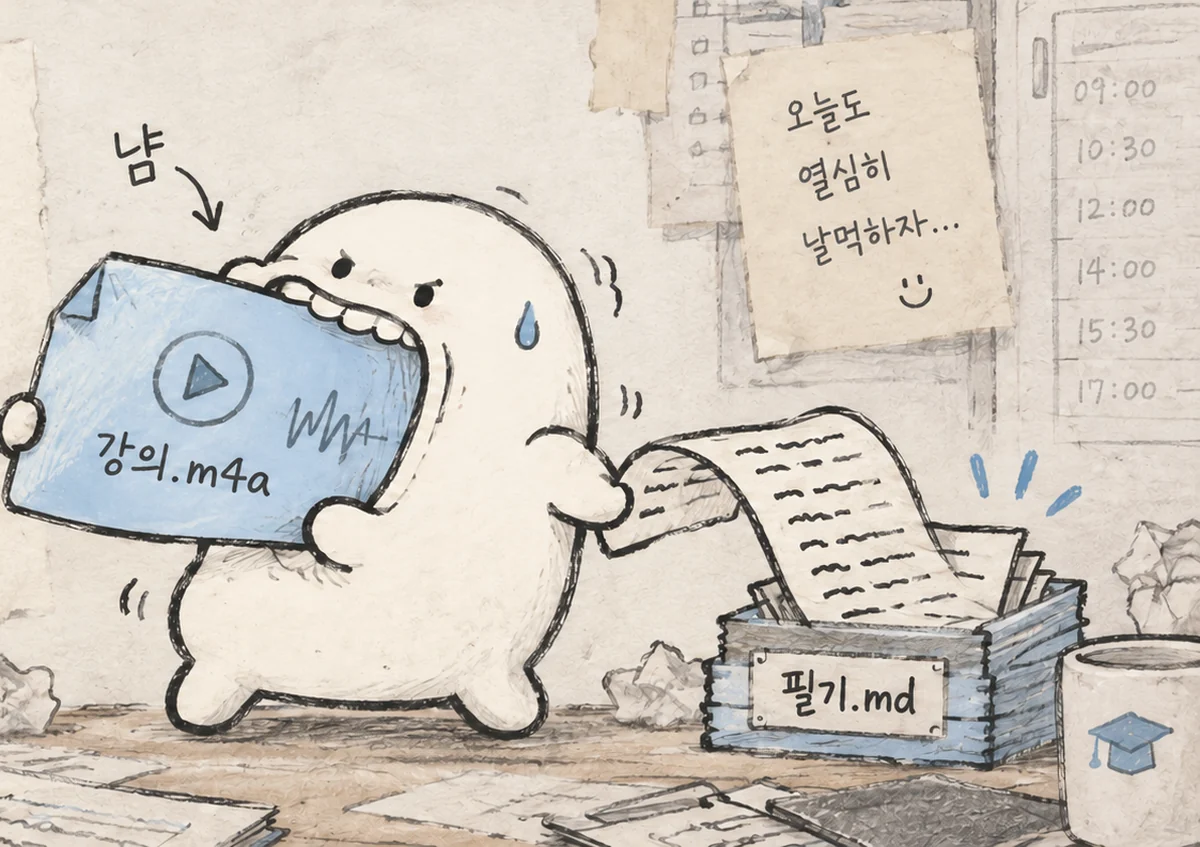
Audio files,
readable by AI.
Transcribe lectures and meetings into Markdown beside the original. The app is free: start with a free API key, and paid processing costs under 7¢ an hour.
Latest version — GitHub release
How it works
-
Drop a file or folder
Drop it anywhere in the window. Accepts .m4a, .mp4, .mp3 and .wav; a folder's audio is joined in file-name order.
-
Wait for Gemini to finish
Free keys transcribe immediately; paid keys go through Batch. Depending on the recording length, this takes minutes to about an hour.
-
Give the transcript to your AI
Upload the .md beside the original to a project or chat in ChatGPT, Claude, or whichever AI you use. Ask for a summary, key concepts, or exam-relevant points.
Diglo and Clova Note,
why pay for the paid plan?
Nalmeok is free. Start with a free API key; paid processing costs under 7¢ an hour.
Install
macOS
Unzip the download and move Nalmeok.app to Applications.
Windows
Double-click the downloaded executable. There is no installer. If SmartScreen appears, choose More info, then Run anyway.
Requirements
macOS 11+ or Windows 10/11. You need a Gemini API key; a free key is enough to start.
You can start with a free Gemini API key
The guide covers getting and saving a key with screenshots. Paid keys use Batch processing, and Google AI Pro credit can cover it.